In Canada, “Engineer” is a protected term. I am a software developer, not a Software Engineer. There are valid reasons – historical reasons – to restrict who is a capital-E Engineer, but these reasons are at odds with how the term is commonly used today. Nevertheless, my job title was “Software Engineer” for seven years while I worked in the US, and I personally think that software development is best approached as an engineering problem.
Bill Hammack (aka The Engineering Guy) has an excellent playlist on “the engineering method”, which he defines as:
Solving problems using rules of thumb that cause the best change in a poorly understood situation using available resources.
Hammack’s videos describe the history of engineering, how it’s inaccurate to only think of engineering as applied understanding. How engineering is something done at, and just beyond, the edge of scientific understanding that advances that understanding.
I had some time off recently and wanted to reconnect to this engineering mentality, absent from code specifically. My 3D printer arrived recently, so I decided to apply some engineering method to my home office desk setup. My work-from-home setup is important to me – it’s where I spend a lot of my time. Maybe I’m also still traumatized from working in a one-bedroom apartment with my wife and two cats for ten months of 2020, maybe. Regardless, I’ve lived here for four years and I’m pretty proud of my setup.
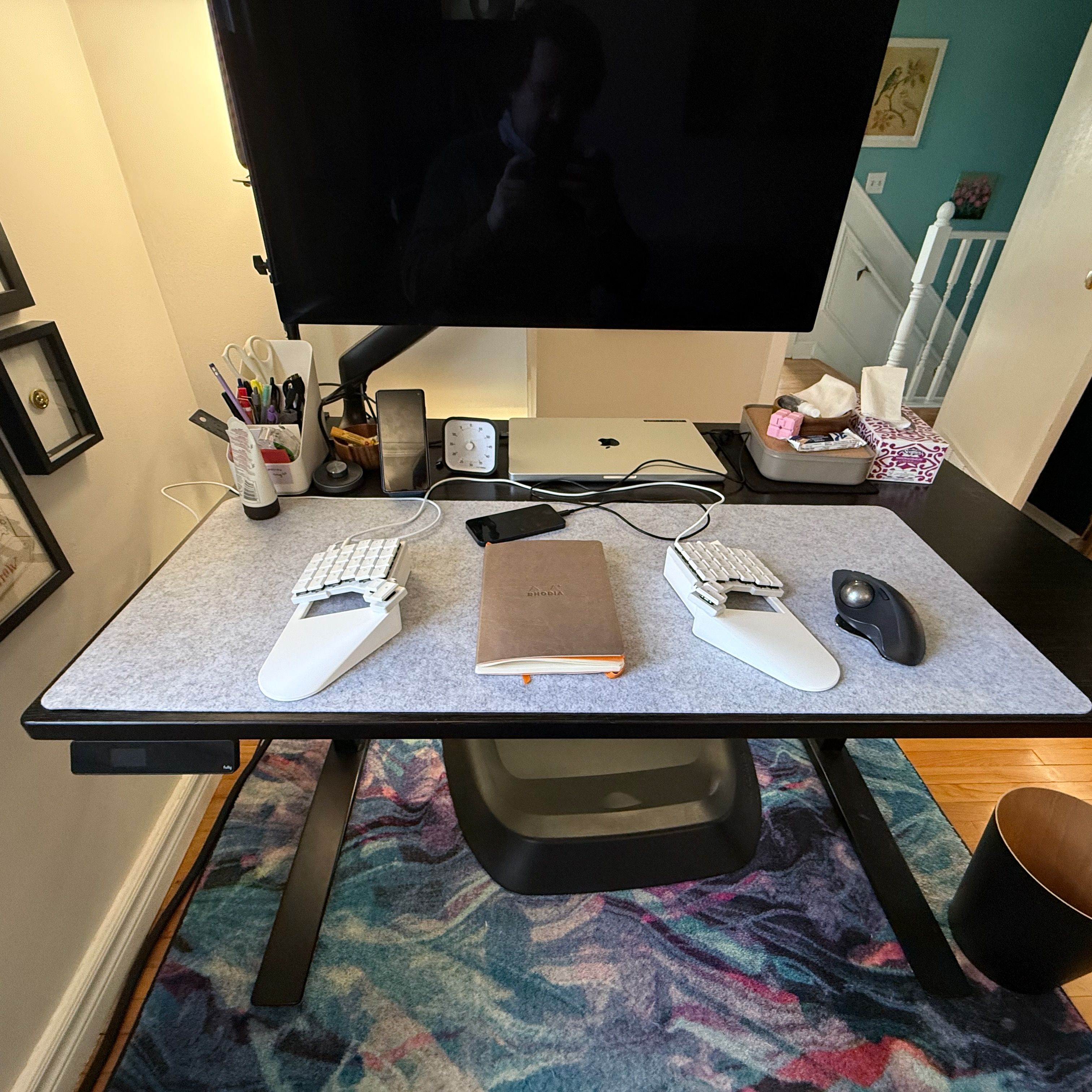
I keep iterating. I recently tried multiple monitors, but it’s not a setup I work well with. I’ve settled on a laptop in clamshell mode on the desk, so it’s easy to access. I use an Apple Studio Display but I route a USB hub from the monitor for everything to connect to. The laptop just goes to the monitor. Unfortunately, I’ve run out of USB ports.
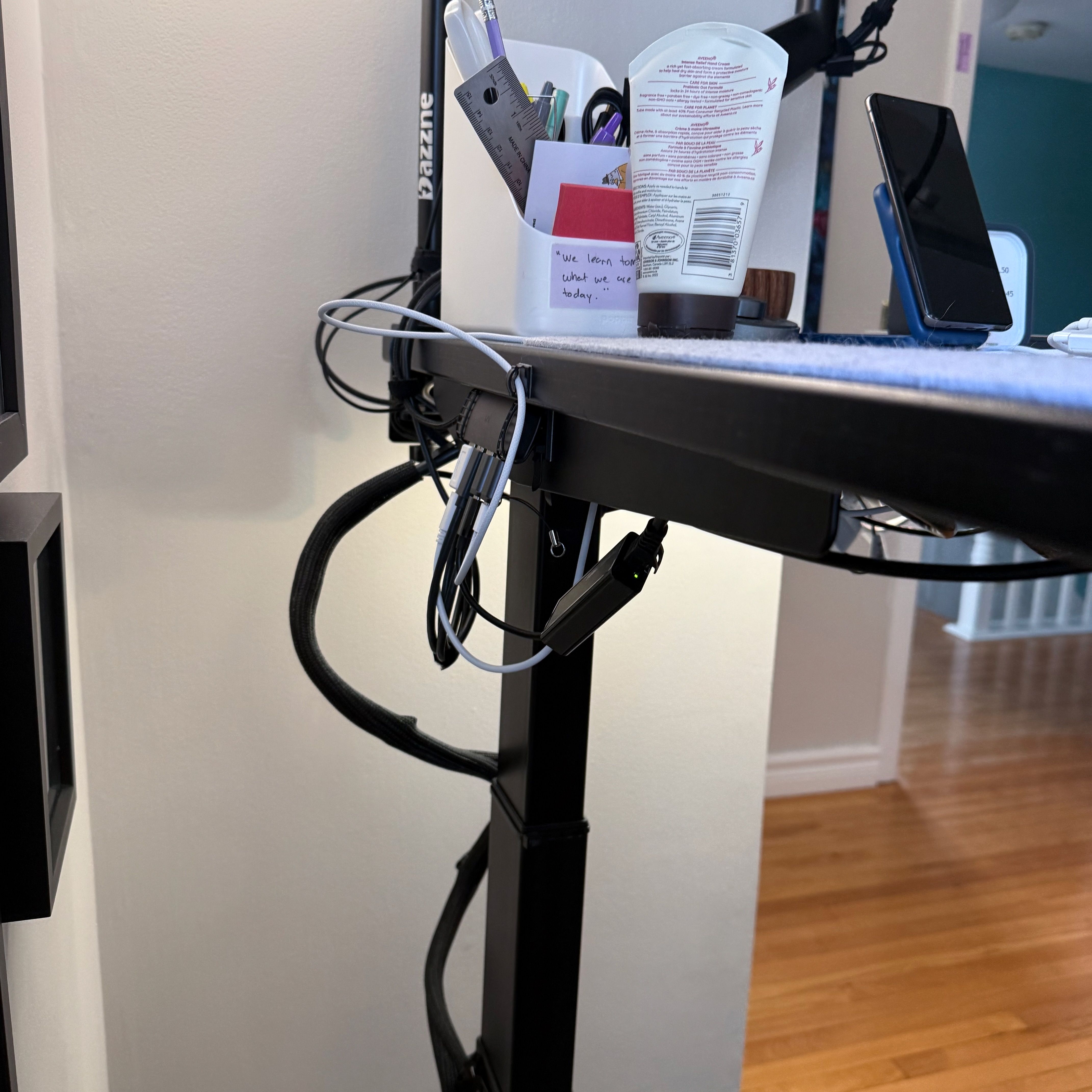
Also, it’s a bit messy. I’ve tried to make it tidier over the years, but I can still see the mess of wires under the desk. Especially at standing height. I don’t mind cables but I do mind mess.
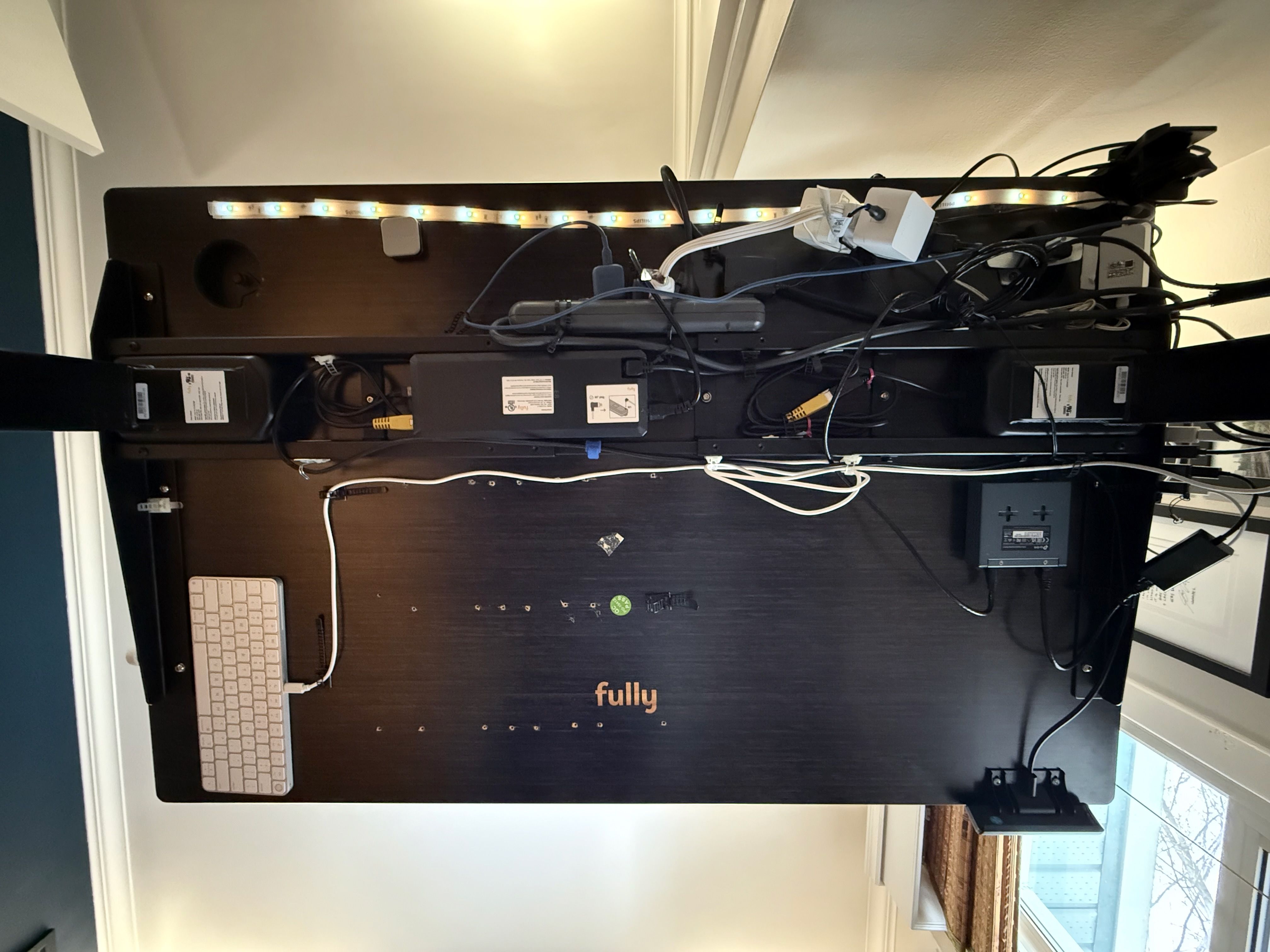
I chose openGrid with UnderWare as a means to organize the cables under my desk. This is actually an area of active development in the 3D printer world, and there are more popular systems than openGrid. But I like the idea of an grid system built with desk organizing in mind. And it’s open source. I bought a new powered USB hub that someone had already designed an openGrid mount for. (The hub is powered so I can attach further hubs, if needed.) I removed a few things from the desk that I didn’t need, like a light strip and a network switch.
Instead of planning everything up front, I tried to make individual changes to move in the right direction. I started printing single pieces that I needed to cover the desk in a grid, and proceeded from there.
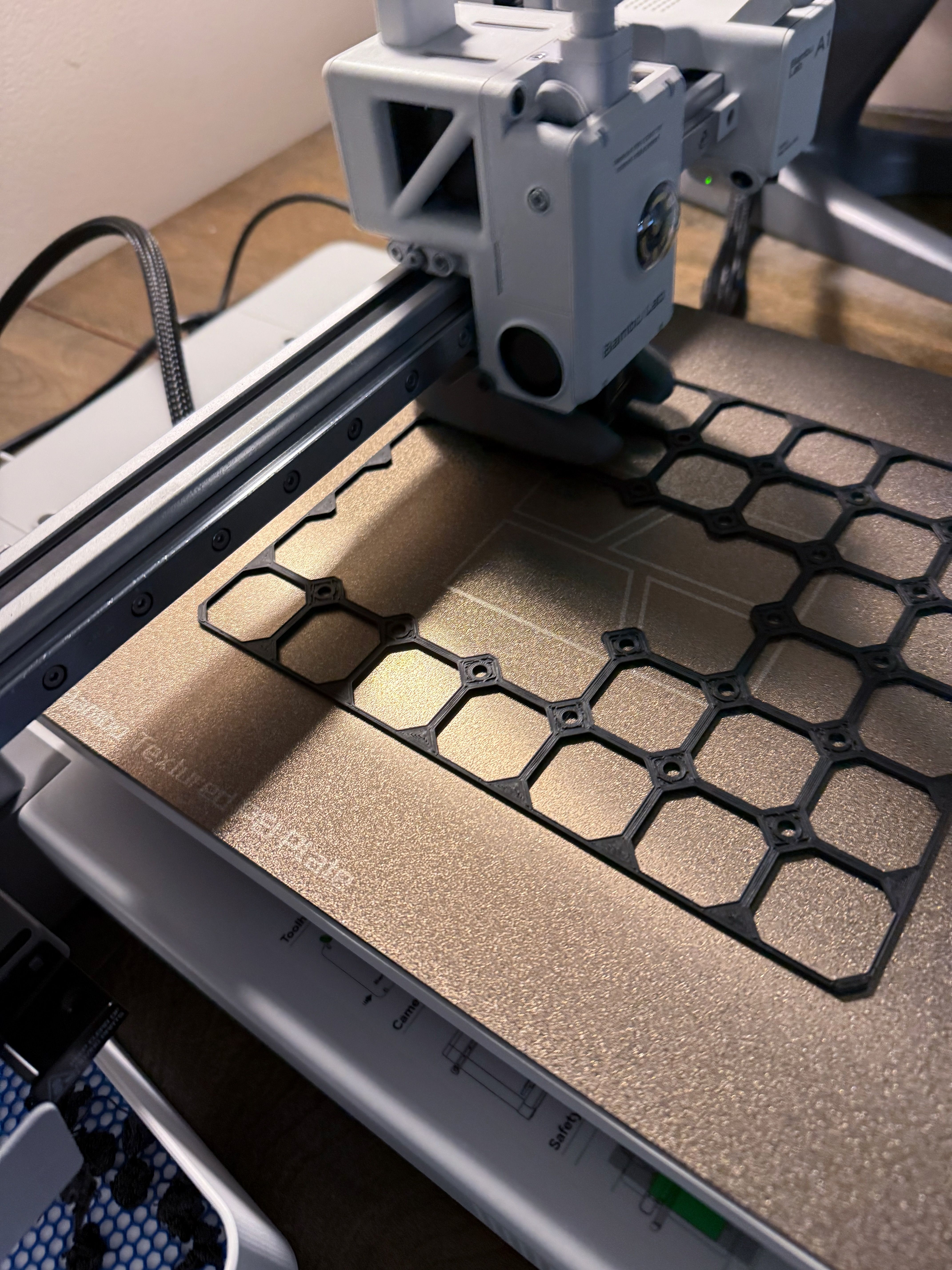
I learned some TinkerCAD and Autodesk Fusion. I learned that 3D printing “slicer” software is a whole different skill. I already had a working understanding of computer graphics and strong graphic design skills (for a programmer) so I wasn’t starting from scratch. I would guess that a lot of people getting into 3D printing don’t know what “world coordinates” are, for example.
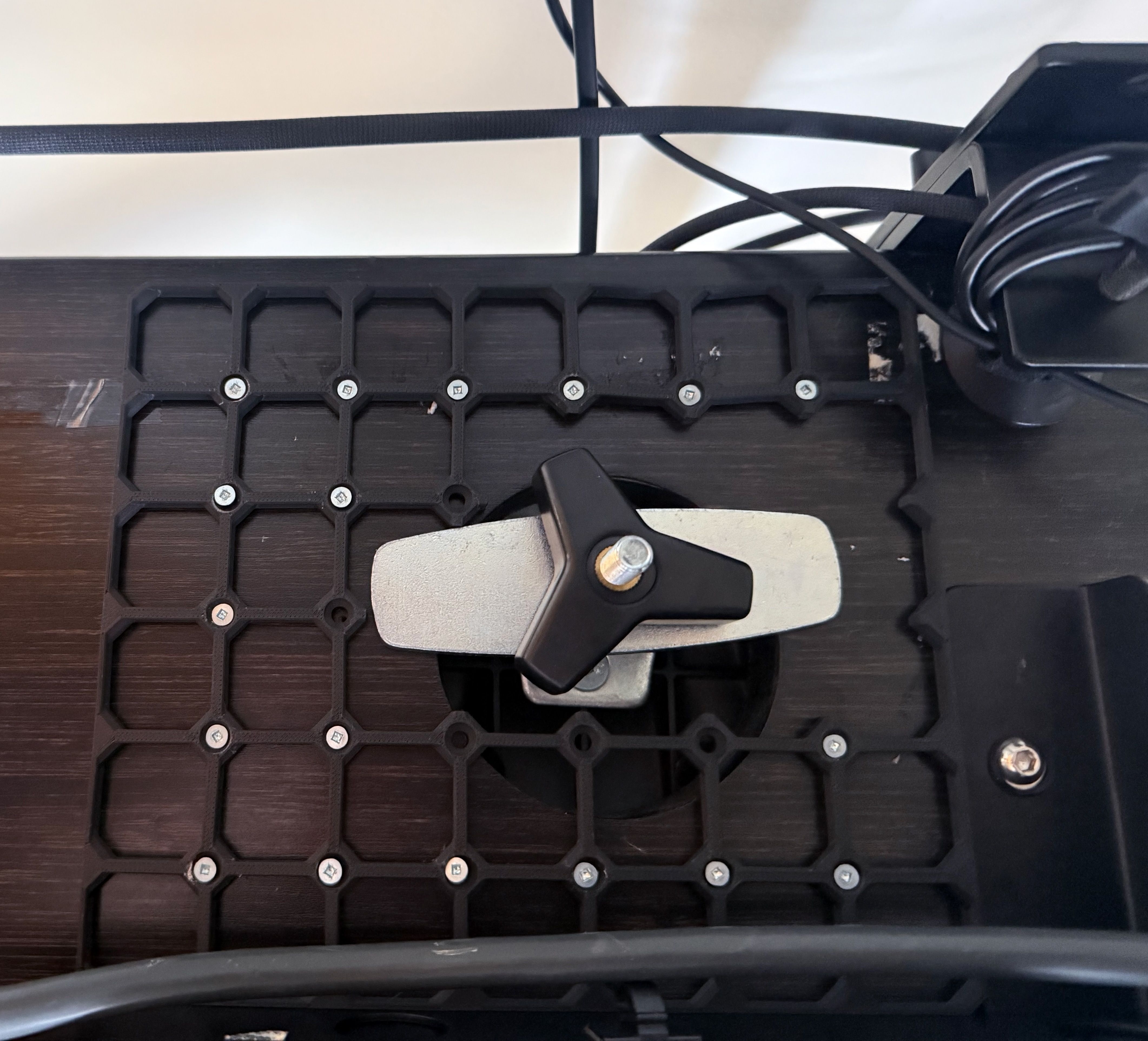
I started by printing other people’s models, but soon started modifying them to suit my needs. I wanted to mount a light under my desk to use as a bias light (I didn’t like it behind my monitor) so I modified an openGrid part to hold some random camera part I had lying around, which has a 1/4" tripod mount.
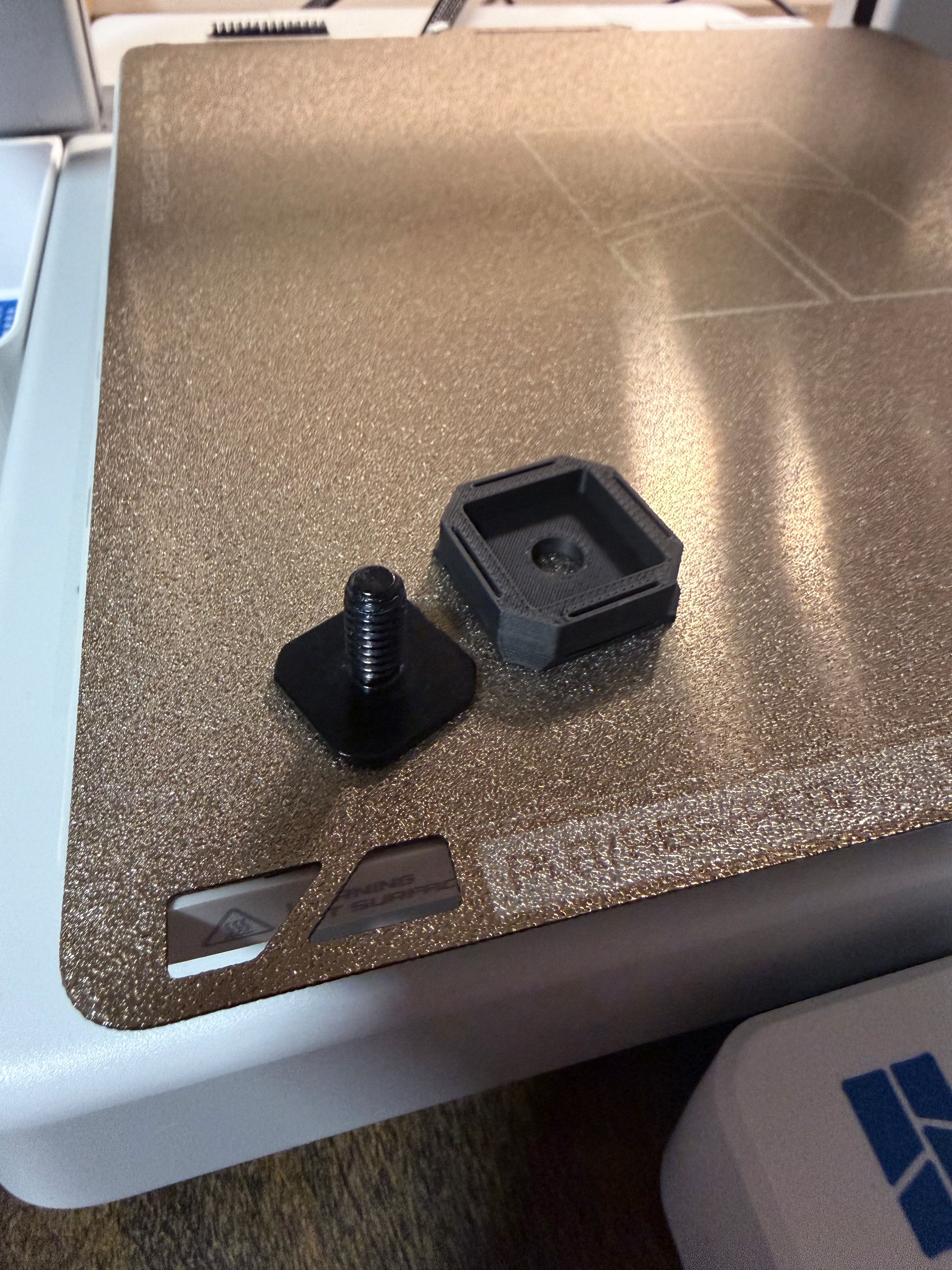
The printer itself slowed down my iteration loop, which made it easier to be more intentional.
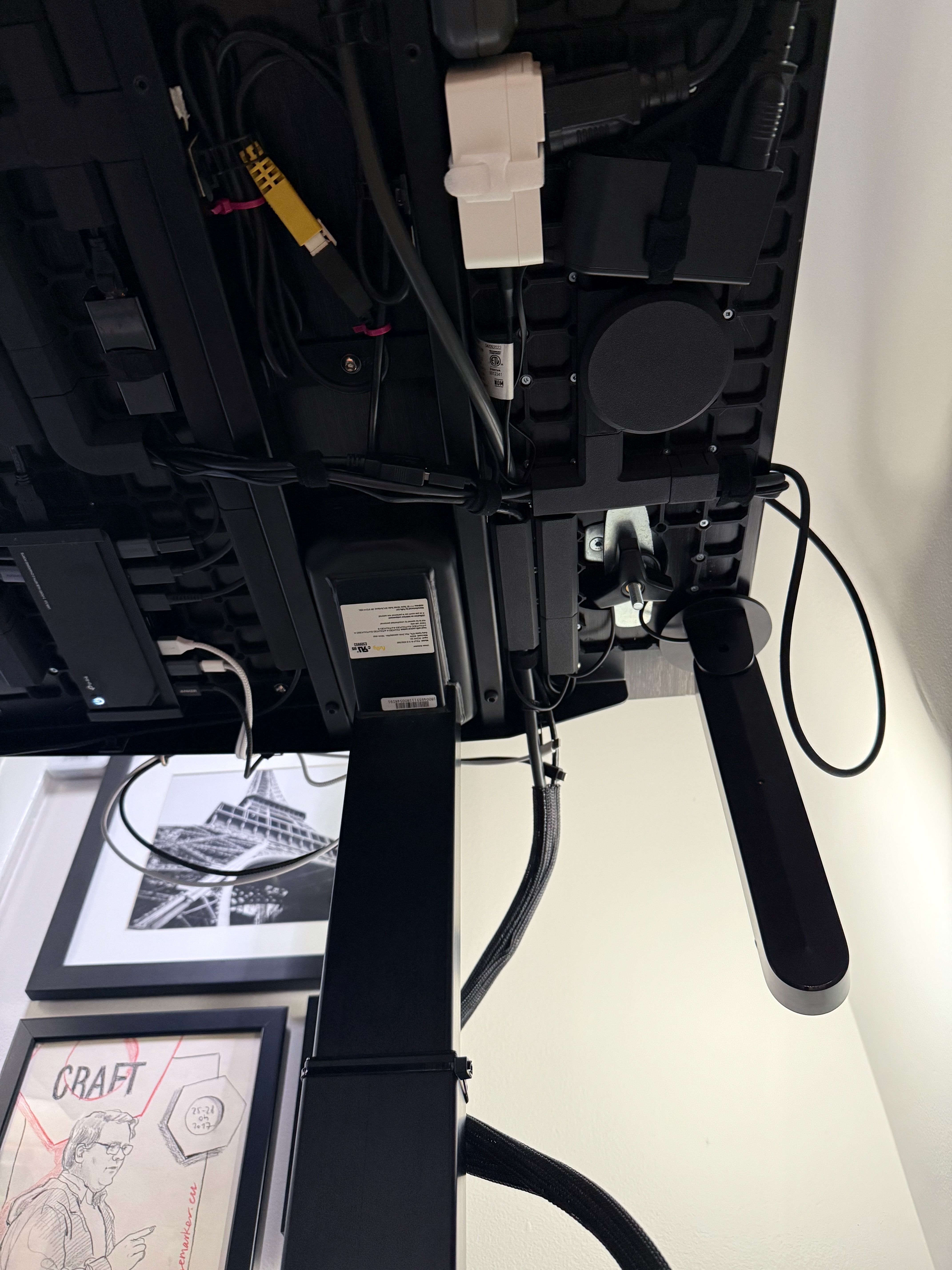
I confess that I went overboard a bit, and that’s okay. It felt great reconnecting to that problem-solving feeling on an intrinsic level, outside the context of coding.
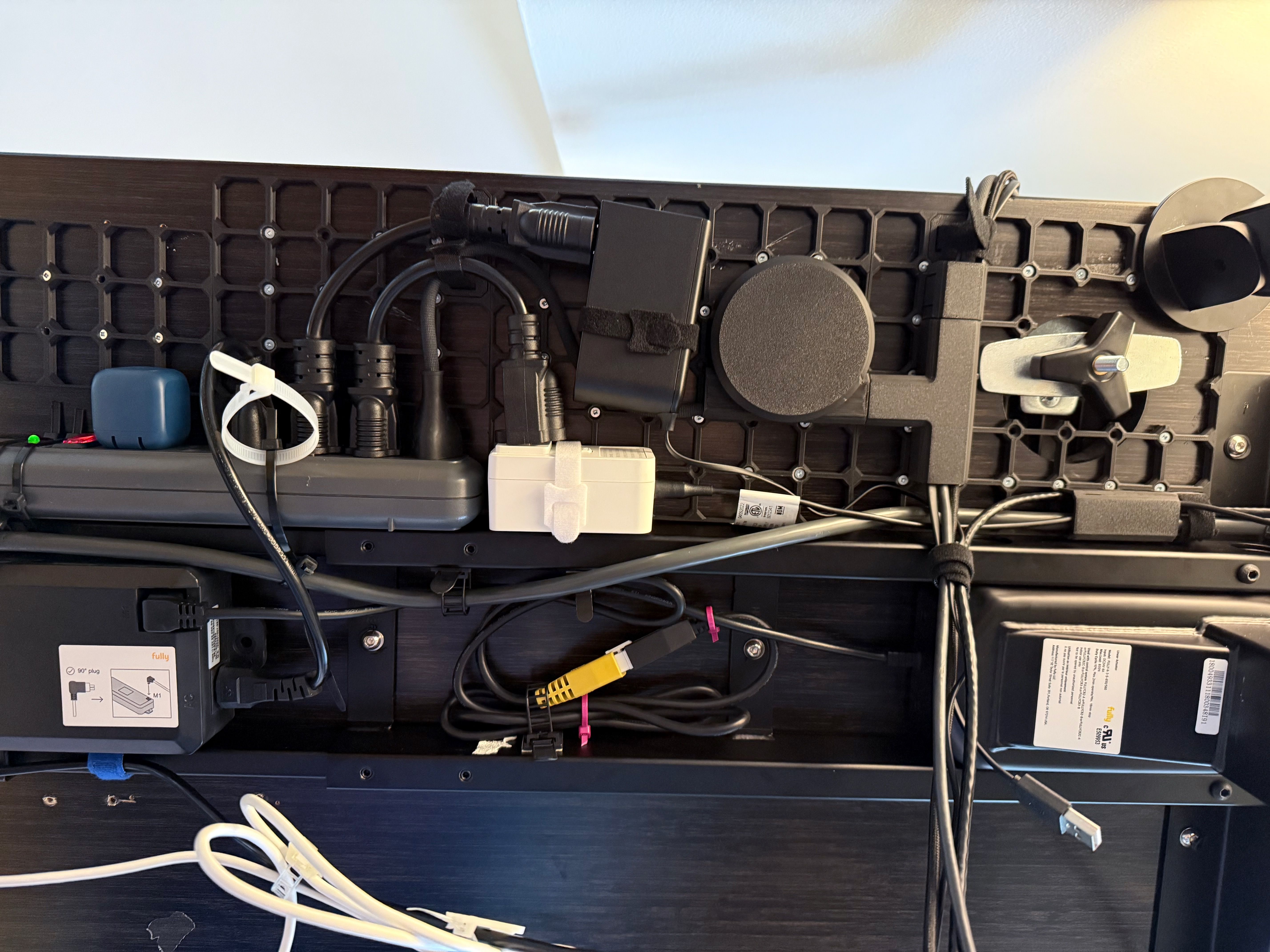
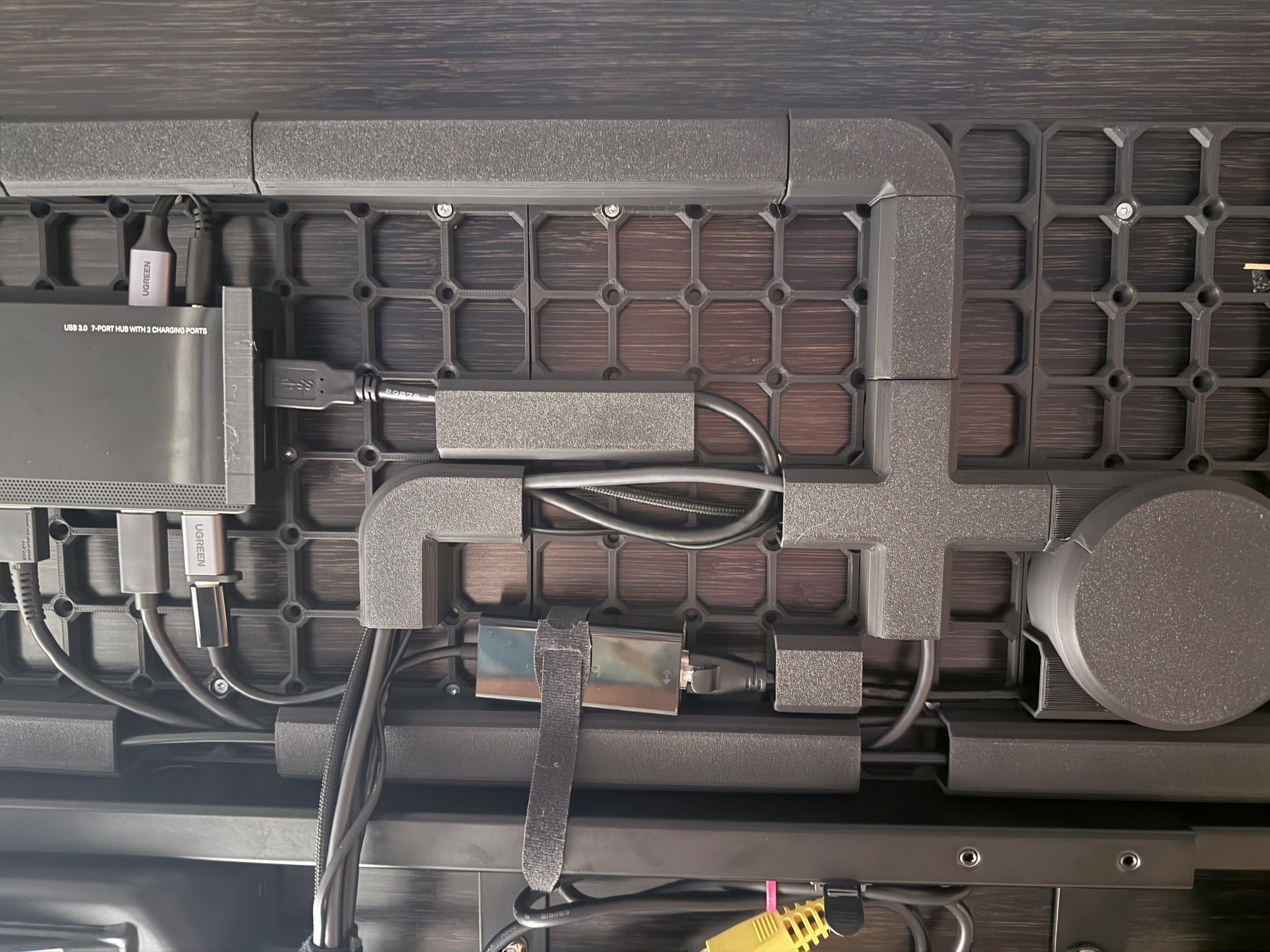
My 3D printer is this amazing new tool that can solve a lot of problems. An overwhelming amount, actually. I’m now kind of surveying the different areas of 3D printing, letting my interests guide me.
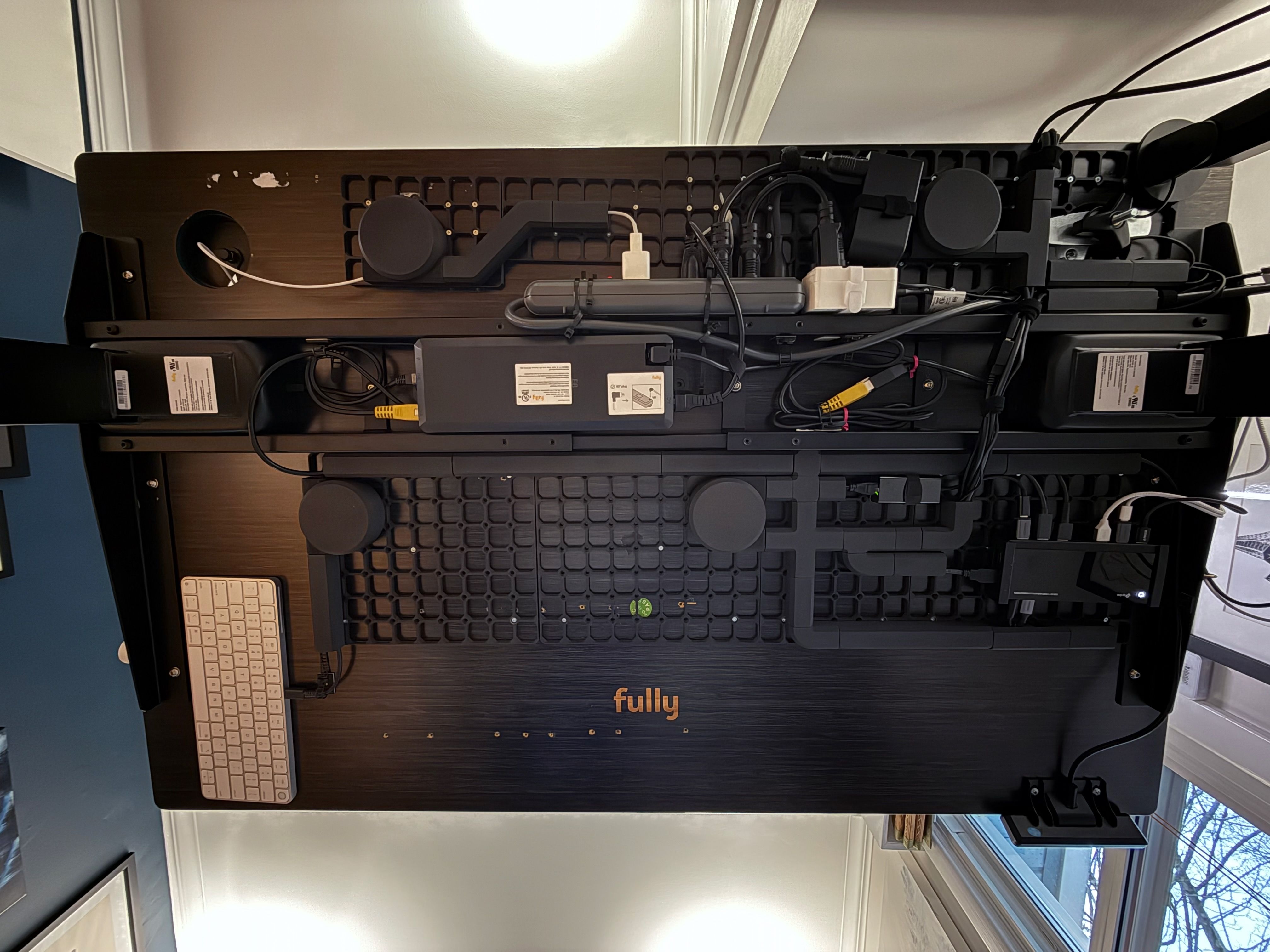
There are still some cables you can see, but I’ve reduced this mess to its minimum. The remaining visible cables are the Thunderbolt cable for my laptop, and a Lightning and USB-C cable for connecting test devices.
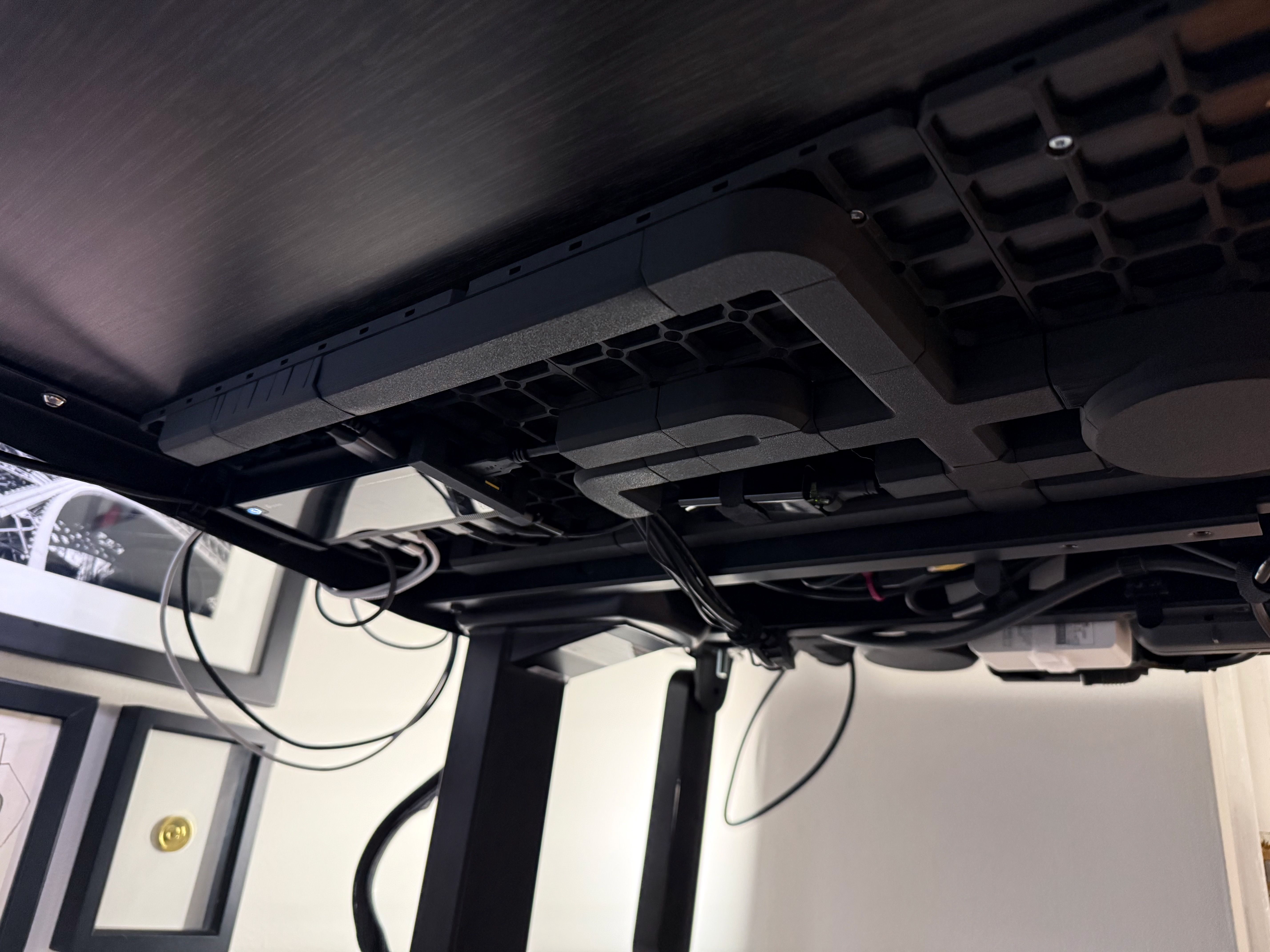
Back at Artsy, I kept a pretty tidy desk. My approach remains to minimize distractions without being overzealous about eliminating distractions. For instance, my monitor arm has less wobble when it’s extended less, so the monitor is offset from the centre of the desk. I dislike that it’s off-centre, but I’ve done everything else I can to remove the wobble. And this does create a handy drop zone on the right, where I can set things as they come and go from the rest of the house (mostly coffee mugs).
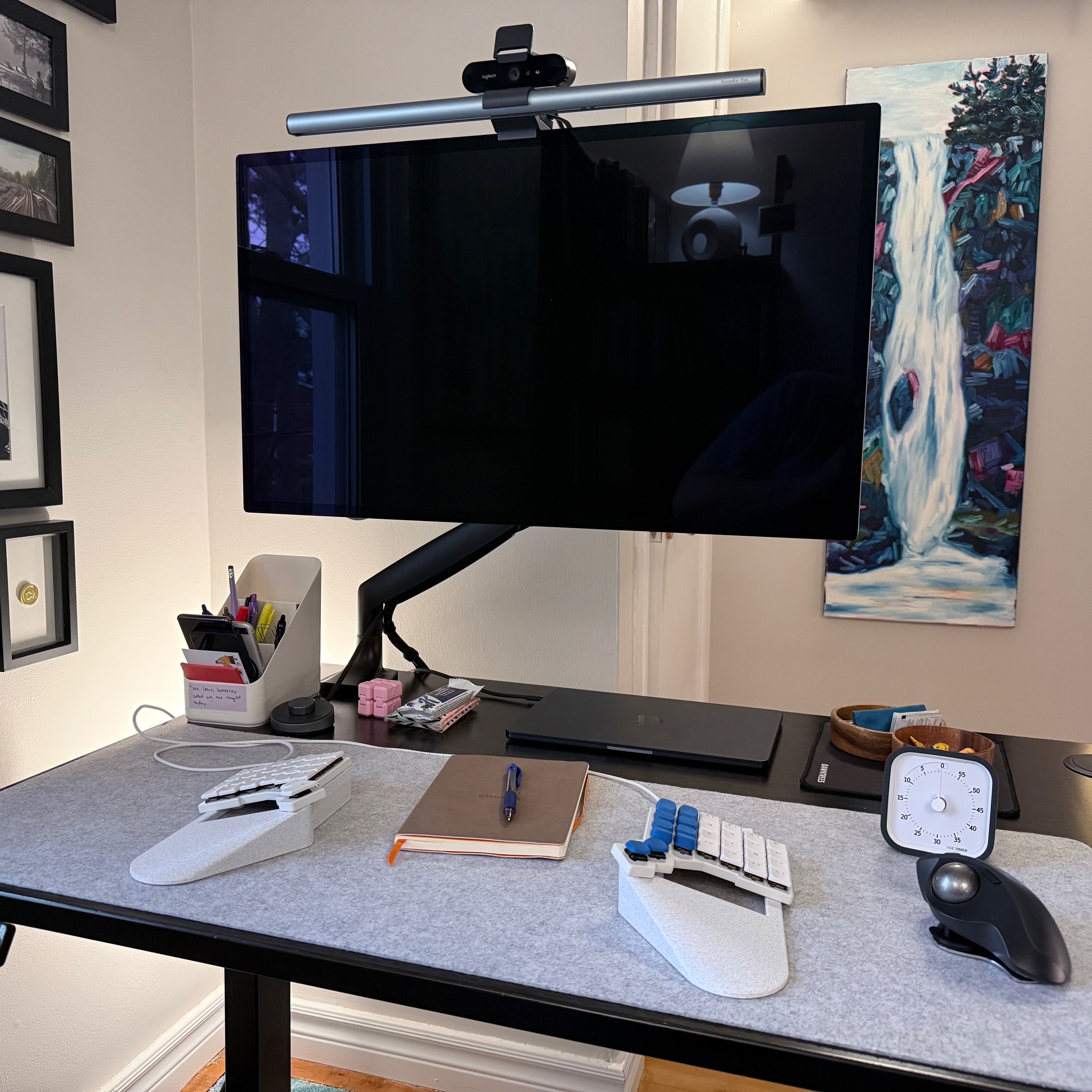
The other night, I was walking up the stairs, and I found my office looking extra cozy. No cables, with softer light. This is exactly what I wanted.
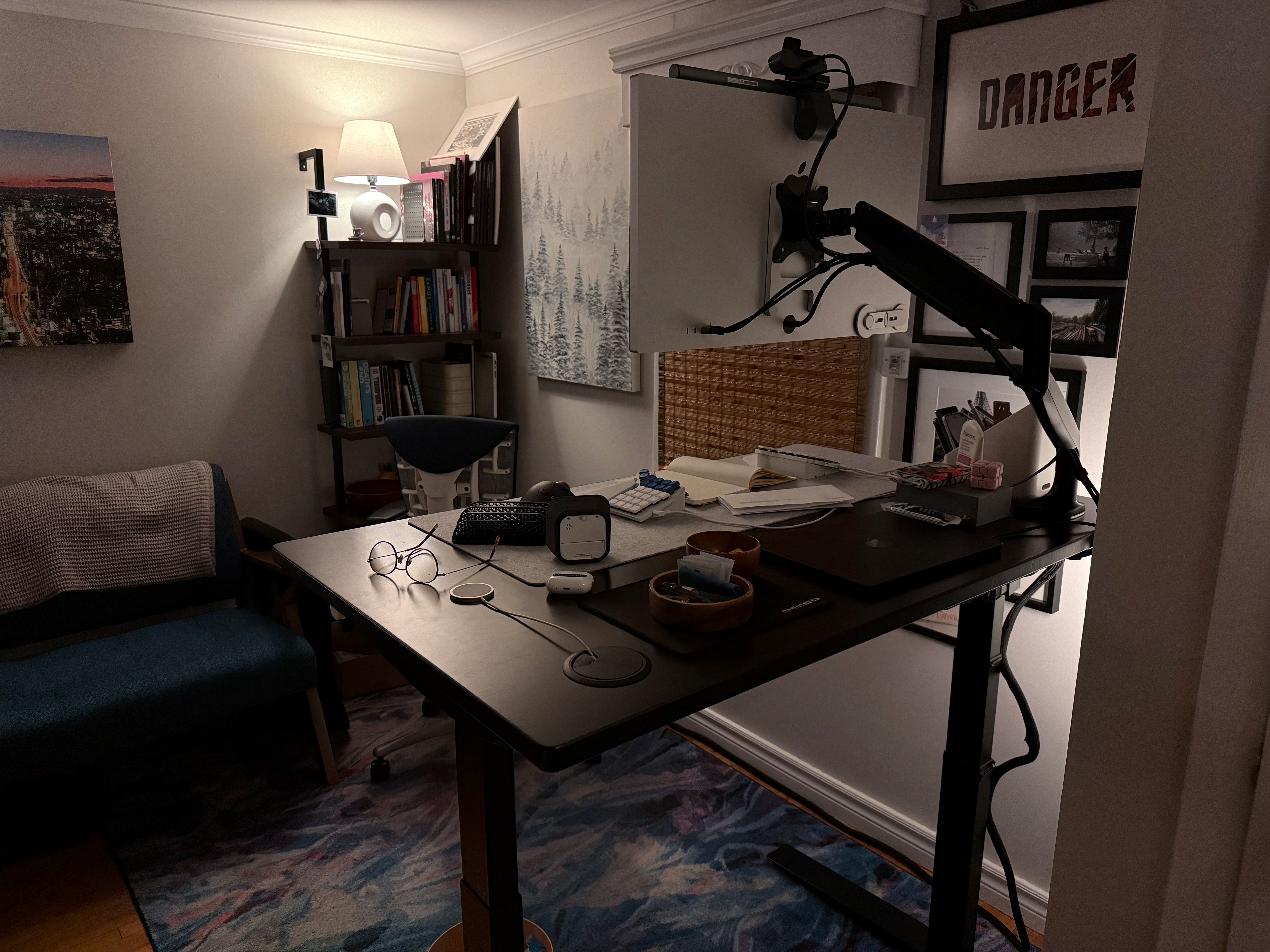
Well, maybe not exactly what I wanted 😅 I’m thinking of 3D printing a cable chain to hide the mess of the power and ethernet cables going up to my desk. This project never ends.
Designing a home office is a fun hobby, and I’m grateful to have the means to pursue it. I’m headed back to work tomorrow, and I’m feeling ready to code.